What a switch actually does with a frame
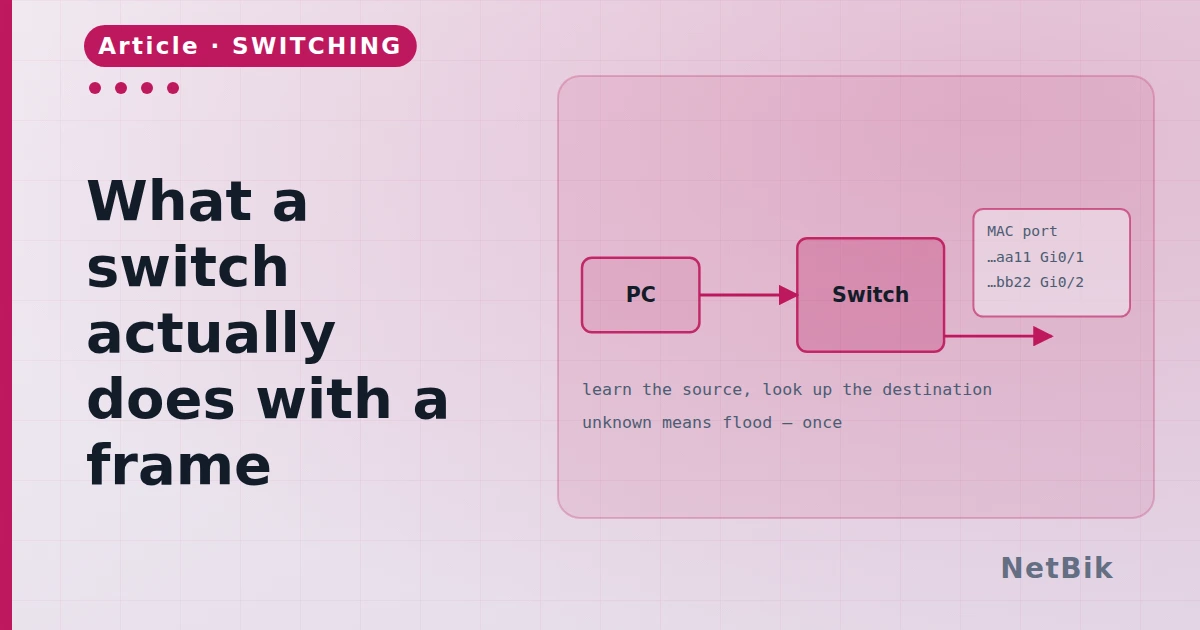
Learn, forward, flood, filter. Four rules, applied per VLAN, explain every switching question on the exam and most of the ones in the ticket queue.
A switch does four things to a frame, in order, and does them per VLAN. Everything else — VLANs, trunks, spanning tree, port security — is a qualification of those four.
Learn
A frame arrives on a port. The switch reads the source MAC address and writes down "this address is reachable through this port, in this VLAN". That is the MAC address table, and it is built from source addresses only. Nothing else writes to it.
Switch# show mac address-table
Vlan    Mac Address       Type        Ports
----    -----------       --------    -----
  10    00d0.0a5e.9e37    DYNAMIC     Fa0/1
  10    0060.47b1.22c4    DYNAMIC     Fa0/2
Forward
Now the destination MAC. If it is in the table for this VLAN, the frame goes out that one port and nowhere else. This is the thing that makes a switch a switch rather than a hub.
Flood
If the destination is not in the table — or is a broadcast, or an unknown multicast — the frame goes out every other port in that VLAN. Not every port: every port in that VLAN. This is why an empty table is not a problem; the first frame floods, the reply teaches the switch the way back, and the second frame is forwarded.
Filter
If the destination is out the same port the frame came in on, the frame is dropped. The two devices are on the same segment and have already heard each other.
And all of it is per VLAN
A VLAN is not a feature bolted onto this; it is the scope every one of those four rules runs in. Two ports in different VLANs are, to every rule above, two different switches. That is worth saying out loud because it explains the two faults people hit first:
> A port in the wrong VLAN is not "blocked". It is on a different switch, > and the only way between them is a router.
And the second one: flooding is per VLAN too, so a broadcast storm in VLAN 10 leaves VLAN 20 alone. That is most of why VLANs exist.
Watch it happen
Put three PCs on one switch in the simulator, open Simulation mode, and ping from the first to the second. The first event is an ARP broadcast, and you will see it leave every port. Ping again and it does not: the switch learned. Move a PC to another port and ping once more — the table ages the old entry out and relearns, which is exactly what happens when somebody moves a laptop to a different desk.
Join the discussion
Replies, likes and bookmarks live in the community half, which needs a free account. Writing here is free too, and everything is reviewed before it is published.
Open this in the communityEverything publishedHow this works