ZNetLab › Published › Question
Trunk shows as trunking but VLAN 20 will not pass
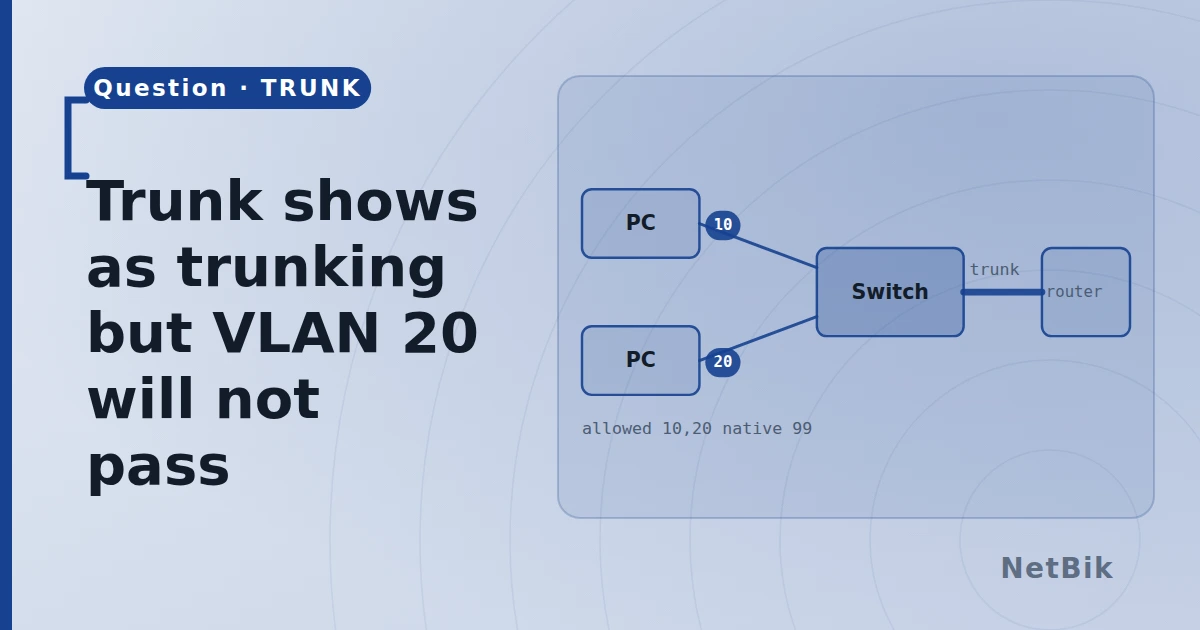
Two switches, one trunk. VLAN 10 works end to end. VLAN 20 does not — hosts in VLAN 20 on SW1 cannot reach hosts in VLAN 20 on SW2, though they can reach each other locally.
SW1# show interfaces trunk
Port      Mode  Encapsulation  Status     Native vlan
Gi0/1     on    802.1q         trunking   1
The trunk is up. show vlan brief lists VLAN 20 on both switches with ports
in it.
1 answer
@admin · 2026-10-09
Read the second half of show interfaces trunk — the part your paste stops
just above. It has three more tables, and the one you want is Vlans allowed
on trunk:
SW1# show interfaces trunk
Port      Vlans allowed on trunk
Gi0/1     1,10
Port Vlans allowed and active in the management domain Gi0/1 1,10
Port Vlans in spanning tree forwarding state and not pruned Gi0/1 1,10 ```
VLAN 20 is not on the list, so the trunk is not carrying it, whatever
show vlan brief says locally.
Almost always this is the add keyword. switchport trunk allowed vlan 20
does not add VLAN 20 to the list — it replaces the list with VLAN 20
alone. Somebody ran that on one switch at some point, then ran
switchport trunk allowed vlan 1,10 later, and 20 was lost.
SW1(config)# interface GigabitEthernet0/1
SW1(config-if)# switchport trunk allowed vlan add 20
on both ends. While you are there, check the third table too: a VLAN can be allowed and still not forwarding, if spanning tree has blocked it or VTP pruning has removed it.
Can you answer this?
Replies, likes and bookmarks live in the community half, which needs a free account. Writing here is free too, and everything is reviewed before it is published.
Open this in the communityEverything publishedHow this works