Redistributing between EIGRP and OSPF without creating a loop
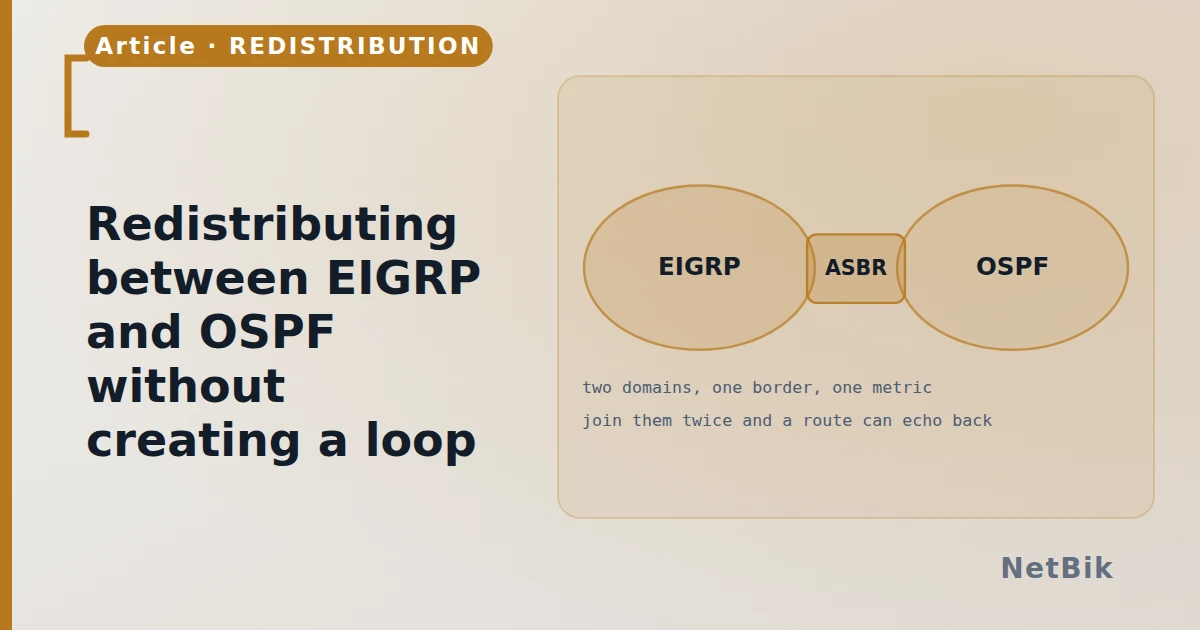
Two protocols with incompatible metrics, joined at two points, is the classic way to build a routing loop that passes every ping you think to run.
Redistribution takes routes learned by one protocol and injects them into another. It is routine in a merger, a migration, or anywhere two teams own two halves of a network. It is also the most reliable way to build a routing loop, and the loop usually survives the testing.
The metric does not translate
EIGRP's composite metric and OSPF's cost describe different things, so nothing can be carried across. You must supply a starting value:
R1(config)# router ospf 1
R1(config-router)# redistribute eigrp 100 subnets metric 100
subnets matters more than it looks: without it, OSPF redistributes only
classful networks and every /30 you were counting on is silently dropped.
That is one of the few commands where leaving out a word loses routes without
an error.
Going the other way, EIGRP wants all five components:
R2(config)# router eigrp 100
R2(config-router)# redistribute ospf 1 metric 10000 100 255 1 1500
Where the loop comes from
Redistribute at one point and nothing can loop: there is only one door. Redistribute at two — which is what you do for redundancy — and a route can leave EIGRP into OSPF at R1, travel the OSPF domain, and come back into EIGRP at R2 looking like a fresh external route. Each domain now believes the other is the way to a network it owns.
The symptom is not "no connectivity". It is suboptimal paths that work, and then a flap somewhere that turns them into a black hole.
The fix, in order of preference
- Tag on the way out, filter on the way in. Every redistributed route
R1(config)# route-map TO-OSPF permit 10
R1(config-route-map)# set tag 100
R1(config)# router ospf 1
R1(config-router)# redistribute eigrp 100 subnets route-map TO-OSPF
- Raise the administrative distance of external routes so a router always
- Filter explicitly with a prefix list when the set of networks is small
Check what actually got through
R2# show ip route ospf
O E2 10.1.0.0/24 [110/100] via 10.0.0.1, 00:02:11, Gi0/0
E2 is the default and means the metric does not grow as the route travels — every router sees the same cost, so the nearest exit point is not necessarily chosen. E1 adds the internal cost, which is usually what you want when there are two exits. One keyword, and it decides which door your traffic leaves by.
The CCNP redistribution lab in the simulator is built with both doors open, so you can watch a route come back round and then fix it with a tag.
Join the discussion
Replies, likes and bookmarks live in the community half, which needs a free account. Writing here is free too, and everything is reviewed before it is published.
Open this in the communityEverything publishedHow this works