Lab: IPv6 across a routed link, without a DHCP server
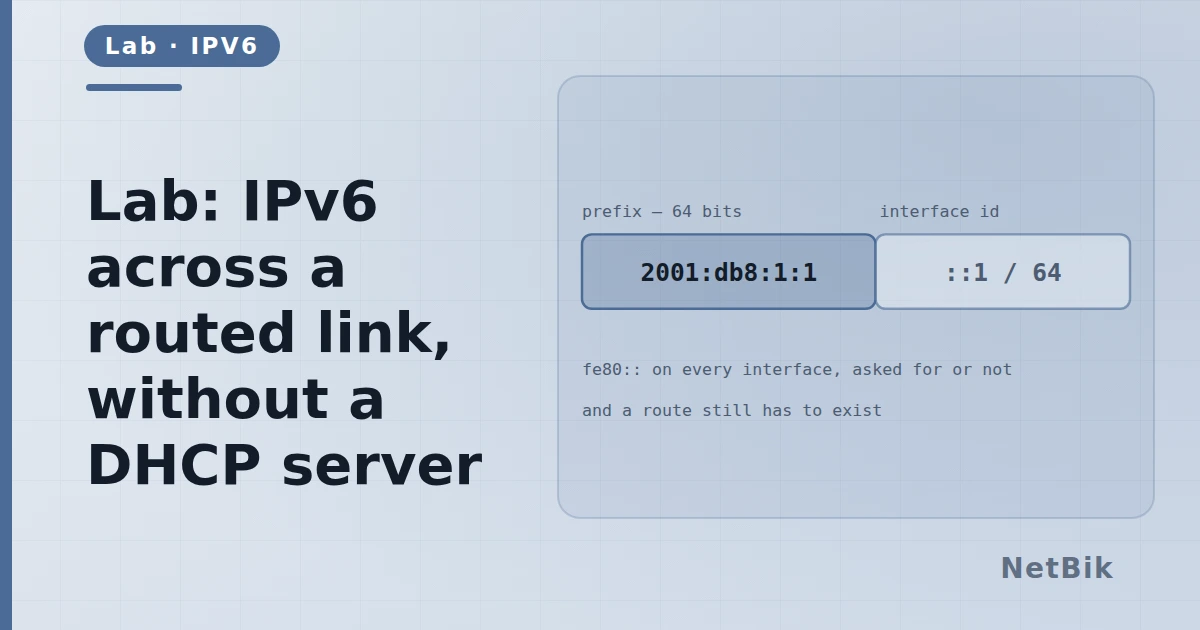
Two /64s, one router, and hosts that address themselves. The parts of IPv6 that are genuinely different.
IPv6 is not "IPv4 with longer addresses". Three things work differently and this lab touches all three.
Do this
- Enable IPv6 unicast routing on the router.
- Give each LAN interface a /64 out of 2001:db8::/32.
- Leave the hosts to configure themselves.
- Ping across, then look at how each host got its address.
R1(config)# ipv6 unicast-routing
R1(config)# interface GigabitEthernet0/0
R1(config-if)# ipv6 address 2001:db8:1::1/64
The three differences
- No ARP. Neighbour Discovery does the same job with ICMPv6 and
- The host addresses itself. The router advertises the prefix; the host
- Link-local is always there. Every interface has an fe80:: address and
Try breaking it
- Turn off
ipv6 unicast-routingand watch the router stop sending router - Put two different /64s on the same segment and see what the hosts do.
- Compare
show ipv6 routewith the IPv4 table and find the link-local next
Join the discussion
Replies, likes and bookmarks live in the community half, which needs a free account. This lab opens in the browser — no install, no plugin.
Open this in the communityEverything publishedHow this works