A static route, read field by field
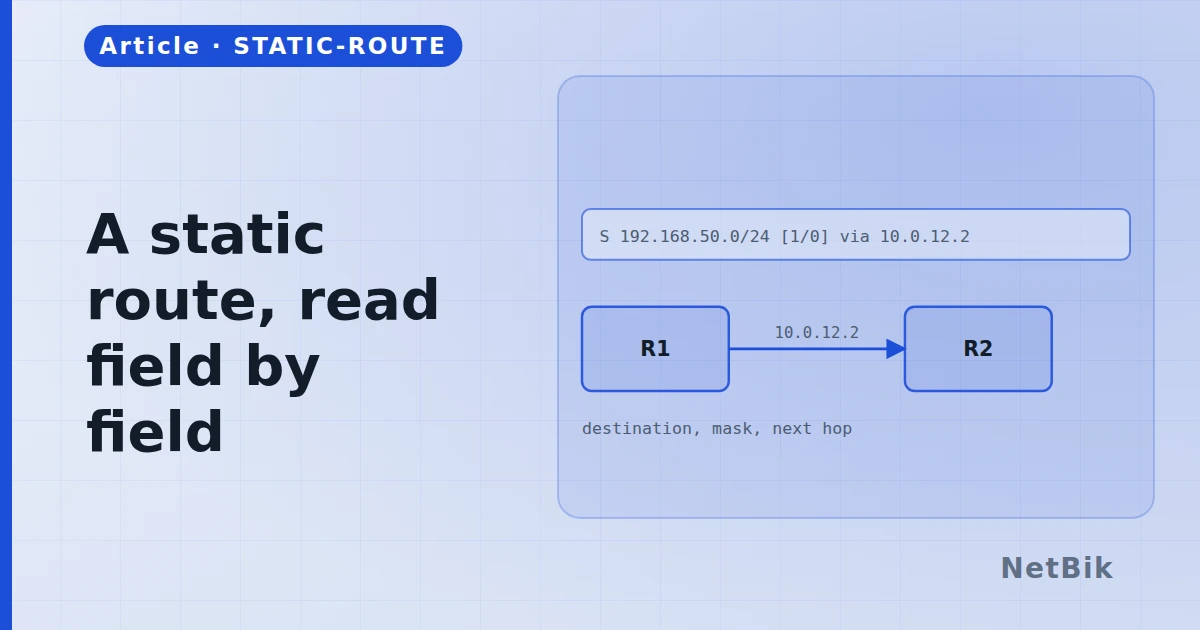
Five fields, each of which decides something. The one people get wrong is the third, and the symptom is a route that is in the table and does not work.
ip route 10.2.0.0 255.255.255.0 10.0.0.2 is five fields, and each one is a
separate decision.
The destination and the mask
The first two say what this route is for: a network and how much of it. They are matched longest-prefix-first against the packet's destination, which is the only matching rule IP routing has. A /32 beats a /24 beats a /0, every time, regardless of protocol or metric.
The next hop, or the exit interface
The third field says where to send it, and there are two kinds of answer:
- A next-hop address —
ip route 10.2.0.0 255.255.255.0 10.0.0.2. The - An exit interface —
ip route 10.2.0.0 255.255.255.0 Serial0/0/0. Fine
On Ethernet, an exit interface alone makes the router ARP for every destination in that network, because it has no next hop to ask for. It mostly works and it is not what you meant. Name the next hop.
The administrative distance
An optional number at the end. Static is 1 by default; a higher number makes the route a standby:
R1(config)# ip route 0.0.0.0 0.0.0.0 203.0.113.1
R1(config)# ip route 0.0.0.0 0.0.0.0 198.51.100.1 10
The second route does not appear in the table at all while the first is valid. That is the point — it is a floating static, and it installs itself the moment the primary goes away.
The fault that confuses everyone
The route is in show ip route, the interface is up, and traffic does not
pass. Nine times out of ten the return path is missing. Routing is
unidirectional: you configured how the packet gets there and nothing about
how the reply gets back. The static-routing lab in the simulator is built
exactly around this — add one route and the ping still fails, add the second
and it works — because reading about it does not teach it and doing it once
does.
> show ip route tells you what this router will do. It tells you nothing
> about what the next one will do.
Join the discussion
Replies, likes and bookmarks live in the community half, which needs a free account. Writing here is free too, and everything is reviewed before it is published.
Open this in the communityEverything publishedHow this works